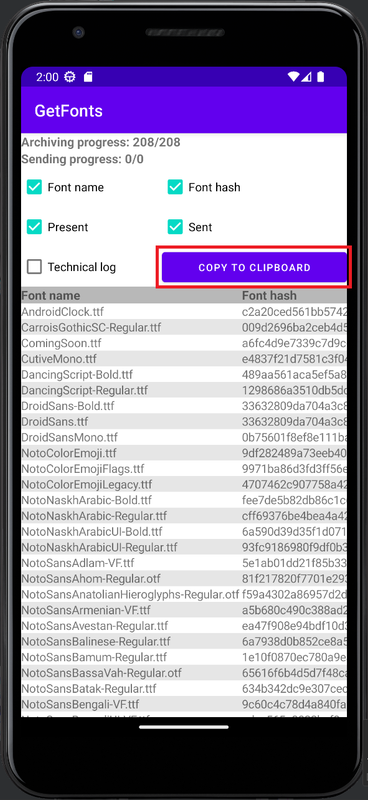
The GetFonts application is designed to save font data from a smartphone. The application does not require any additional permissions from the user and can be installed on any smartphone with the Android operating system with a minimum version of 4.1.1 After launching the application, all work will occur automatically. The control buttons only affect the display of work data on the screen.
Download:
Version 1.1. Download link.
How the application works:
The application works in several stages:
- The list of files in the directory “/system/fonts” is determined
- A list of hashes of the found files is generated
- The list of hashes is sent to the server
- The server returns the availability status for each font hash
- The application sends the missing font files to the server
Interface:
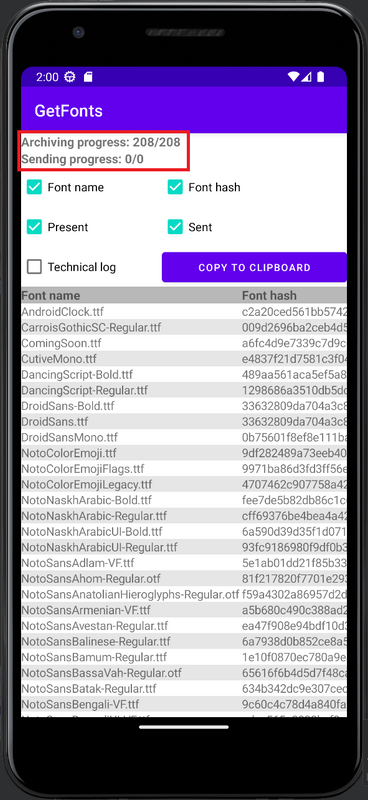
At the top of the interface there are two lines displaying the status of archiving font files and sending them to the server https://i.postimg.cc/bw1rDDGM/image.png. It is necessary to wait for the completion of both statuses, after that the application can be deleted.
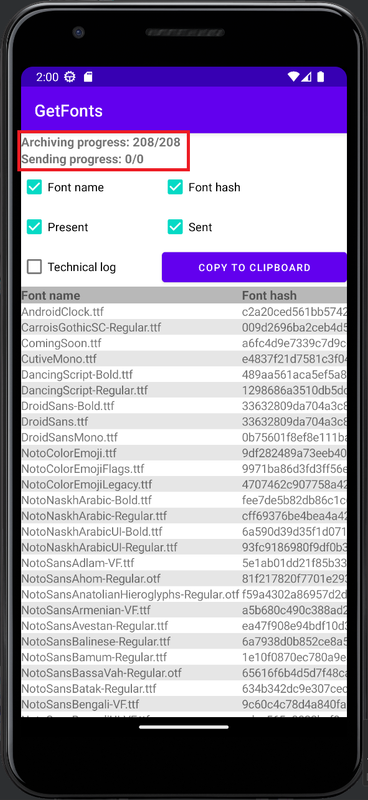
At the bottom of the interface there is a data table containing the columns “Font name”, “Font hash”, “Font availability status to the server” and “Font sending status to the server” https://i.postimg.cc/W4h2mdtT/image.png
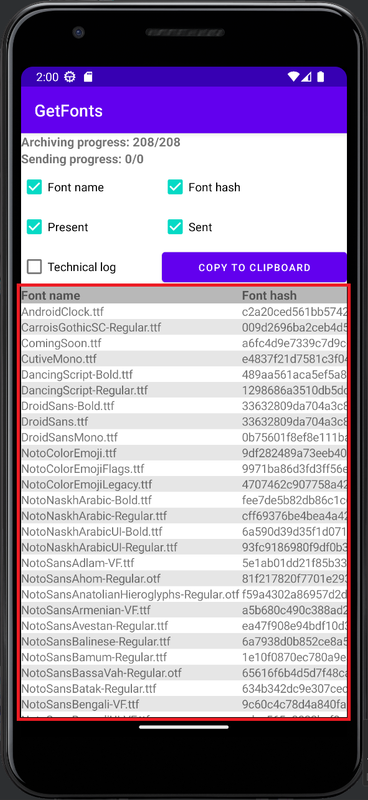
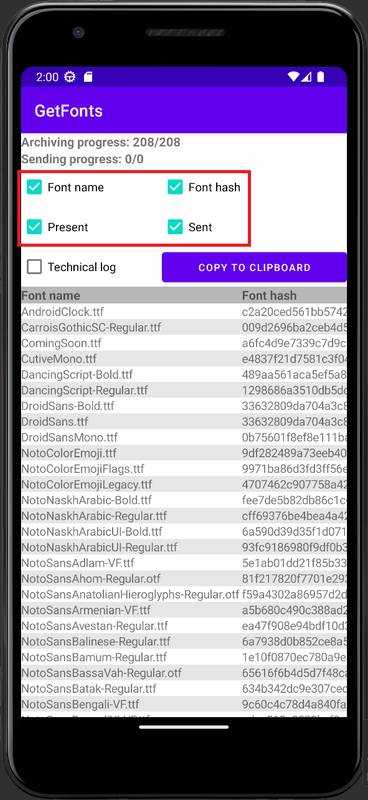
In the upper part of the interface there are checkboxes for configuring the display of the corresponding columns in the data table https://i.postimg.cc/rmkPVHB3/image.png
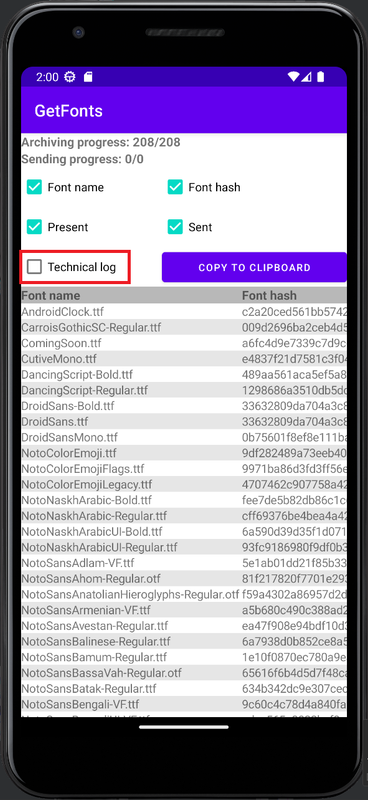
The detailed technical log of the application is located below the table and is hidden by default, you can display it using the corresponding checkbox https://i.postimg.cc/SKvcVYrr/image.png
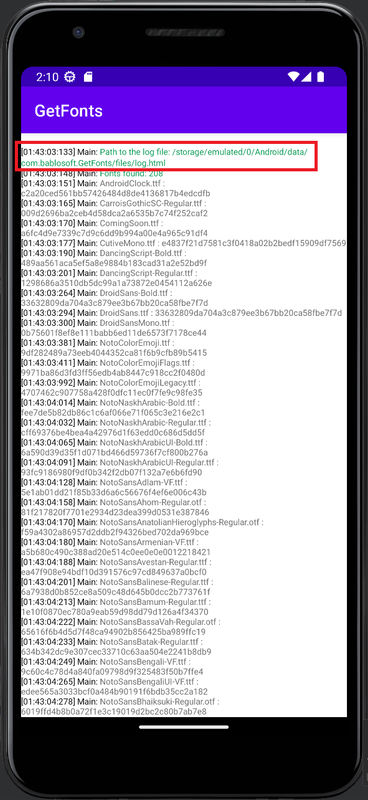
The technical log of the work is saved to a file, the path to which is indicated by the first line in the technical log window https://i.postimg.cc/vDFzhxGj/image.png
You can copy the technical log data to the clipboard using the “Copy to Clipboard” button https://i.postimg.cc/J06y792Q/image.png